Welcome To Cork Vantage
Last updated: August 26, 2026
Introduction to Cork Vantage
Vantage is a cyber risk intelligence platform that is specially crafted to reconcile data, identify vulnerabilities, surface gaps, and validate financial protection with actionable steps.
For more information about Vantage, check out: 📄 Fundamentals
Integrations Page
To follow along: click the Integrations tab on the left-hand side of the screen
The integrations page is where you integrate and manage your security tools with Cork. By providing credentials, Cork gains insight into your environment and empowers you to manage endpoints and users.
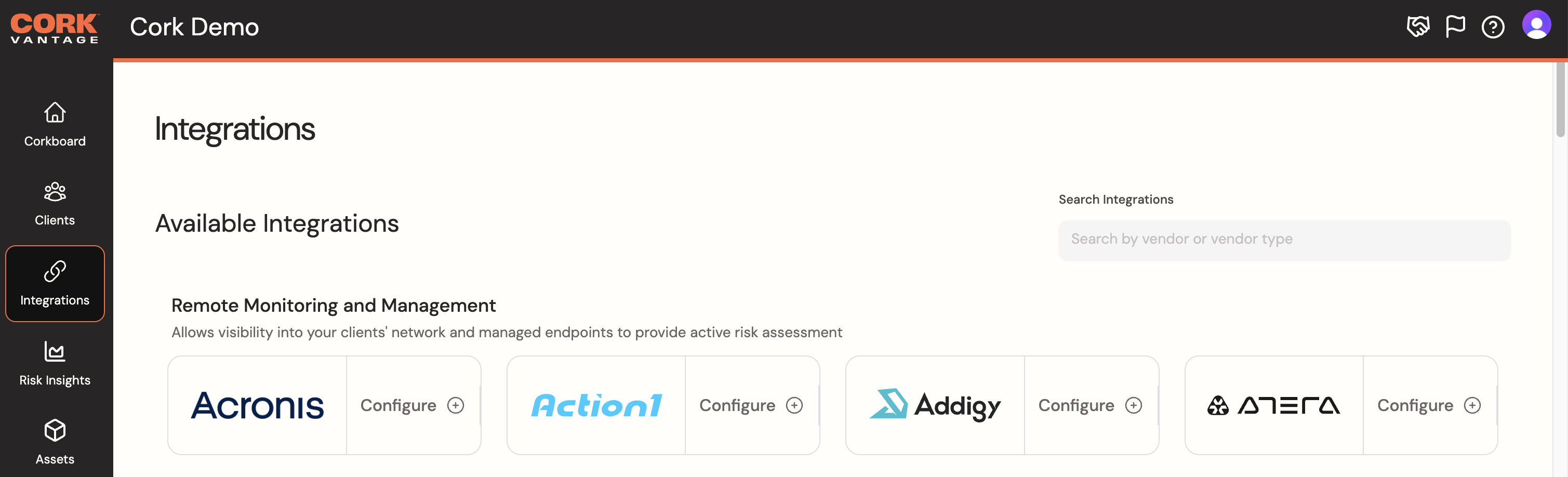
If you have the Admin or Tech role and wish to integrate your first tool, follow the steps below:
First, integrate your Remote Monitoring and Management (RMM) tool by clicking on the tool's icon
The following link contains vendor specific instructions for integrating your tool with Cork - Vendor Specific RMM Integration Instructions
Next, integrate your Endpoint Detection Response (EDR) tool by clicking on the tool's icon
The following link contains vendor specific instructions for integrating your tool with Cork - Vendor Specific EDR Integration Instructions
To start, we recommend at least an RMM and EDR connection. You can always integrate more tools after you initial setup!
Note: If you have any questions, need more support, or interested in learning more about integrating your tool, check out 📄 Integrating Your Tools
While your tools are syncing, let's explore the Administration Page.
Administration Page
To follow along: click the Admin tab on the left-hand side of the screen
All administrative tasks can be completed on this page, which includes:
Managing:
Company Profile
Team
Billing
Notifications
API Keys
Viewing Agreements
Cork's Cyber Insurance Analyzer
Marketing Materials
Settings
If you have the Admin role and wish to:
Invite Team Members, follow this guide: 📄 Manage Users: Add a User
Manage Email Notifications, follow this guide: 📄 Managing Email Notification Preferences
Mapping Clients
This function is for Admin and Tech Roles Only.
Cork uses its own specially crafted algorithm that attempts to map reported data from integrations to the real-world objects (clients, devices, inboxes). Once your first RMM is connected, start by selecting the 3 dots and clicking Map clients.
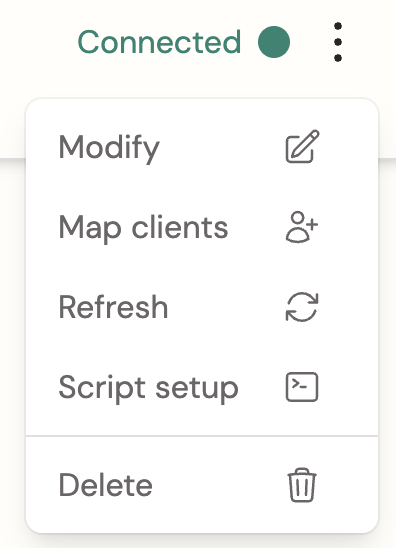
From here, you can:
Promote: A new Cork Client will be created
Merge: Merge the client into an existing Cork Client
Hide: Remove the client from what Cork actively monitors
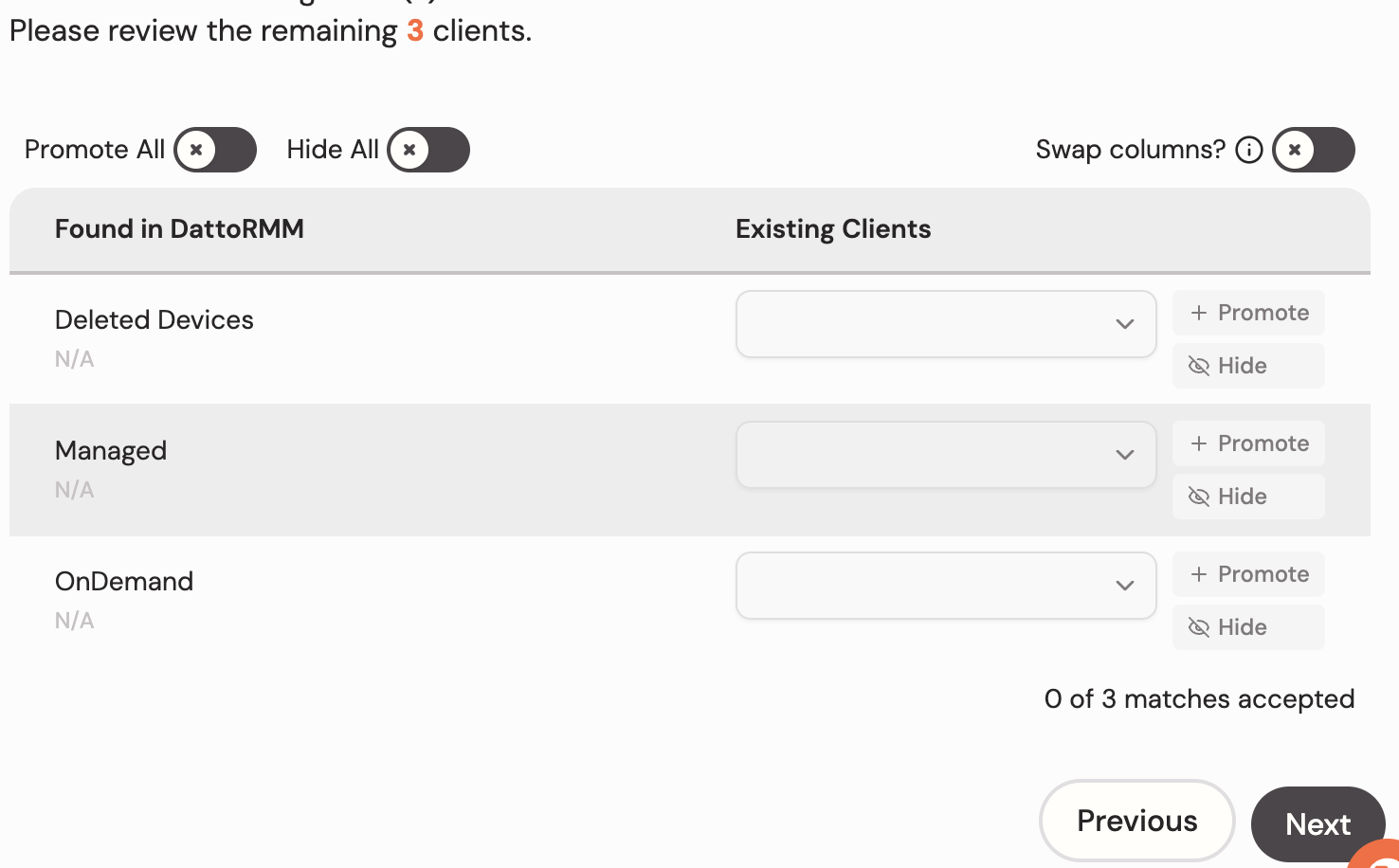 | 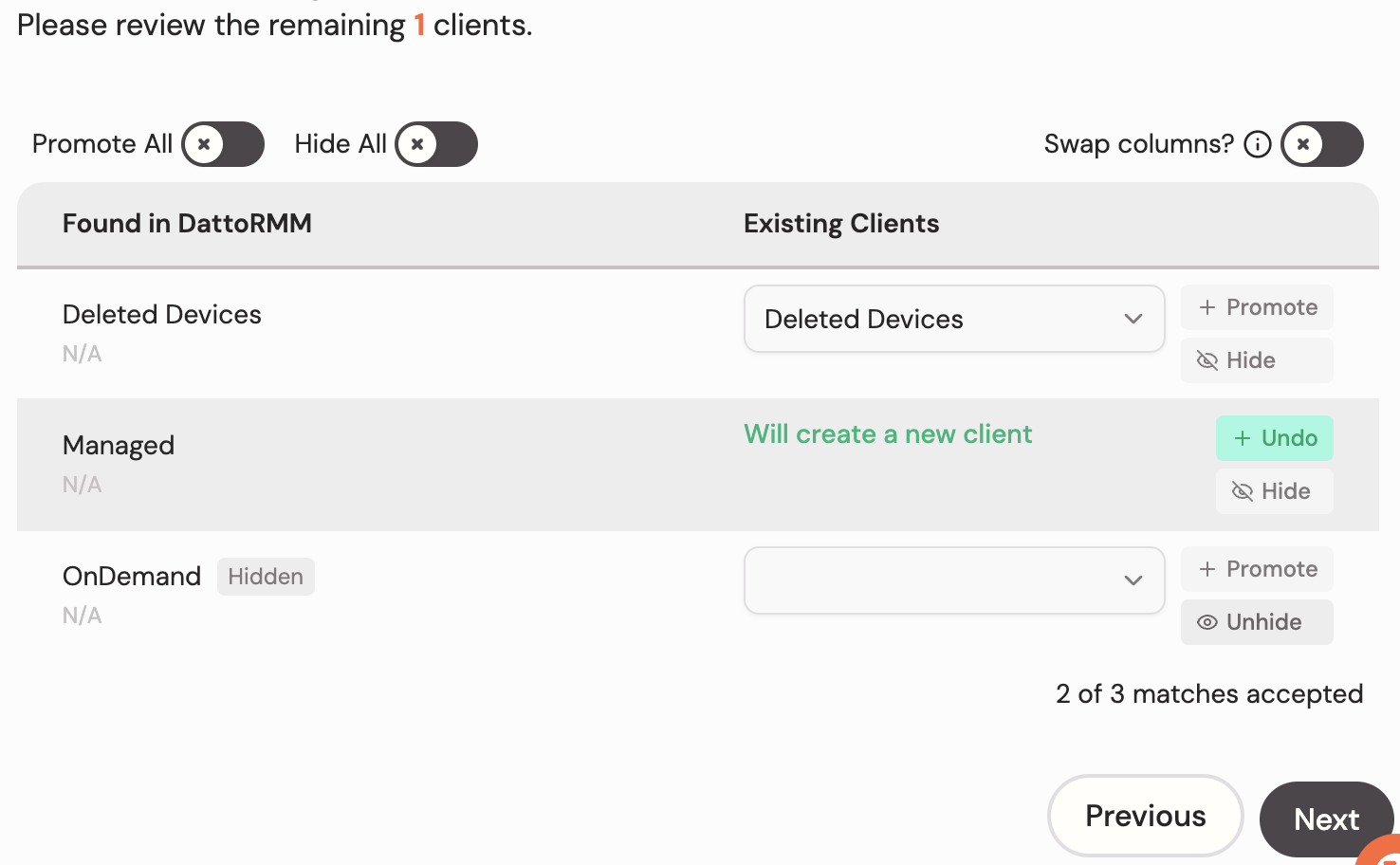 |
By clicking the Next button, it will save the client configuration. Once you have Cork clients, later integrations that surface clients can be mapped to the Cork clients that have already been created. These mappings can always be changed later!
As you integrate more tools with Cork, ensure you check the mappings for each tool to the most accurate landscape of your environment, allowing Cork to provide you with correct, detailed insight.
For more insight into Cork Clients, check out: 📄 Fundamentals
For help mapping your clients, check out: 📄 Merge Clients
Unlocking the Keys to Success
How to Get Help From Cork
To follow along, navigate to the buttons on the top right-hand side of the page
 |  | 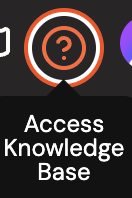 |
In the top right corner of the platform, there are 3 icons that will lead you to supporting resources.
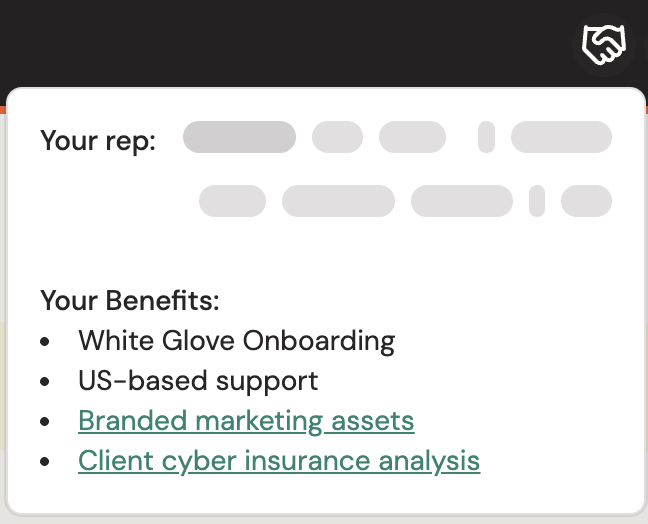
Partner Benefit: Provides the email address to your Cork representative along with other benefits and useful links
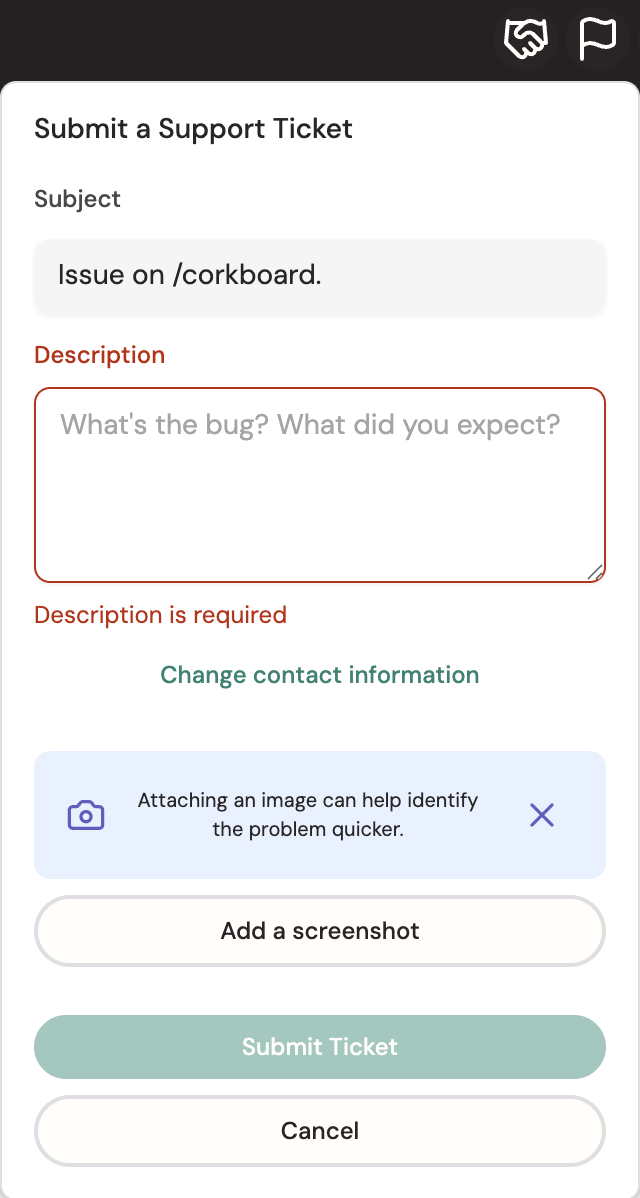
Submit A Ticket: If there are any questions or issues you notice with the platform, please fill out a ticket with a detailed description and (optionally) a screenshot. Our team will work as quick as possible to help remediate any issues.
Accessing Knowledge Base: Cork has an extensive Knowledge Base collection filled with helpful articles, collections, tutorials, etc. This is your go-to place when you have any questions about the platform and how it works.